

$ 103.58
Discount 16%
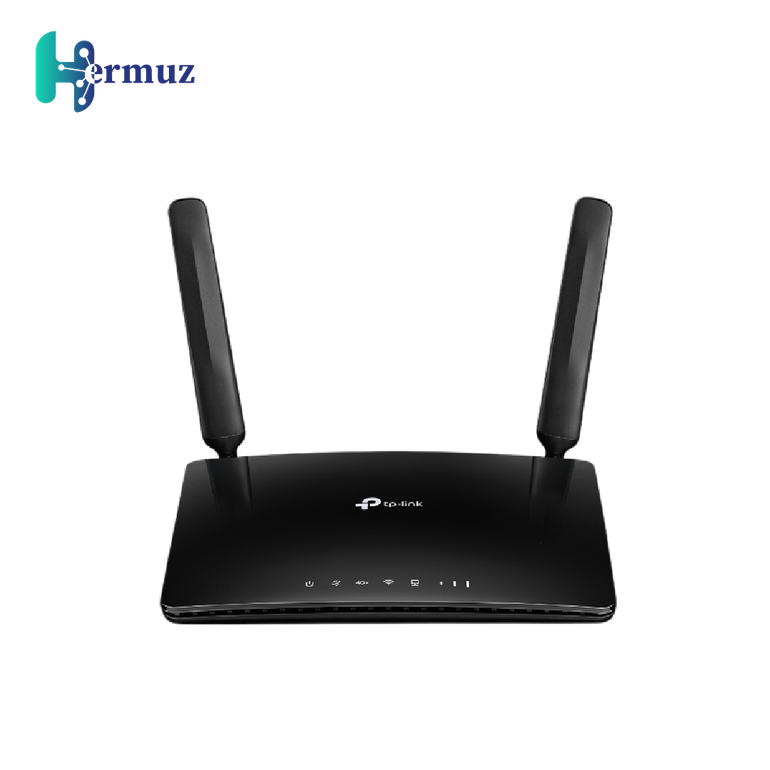
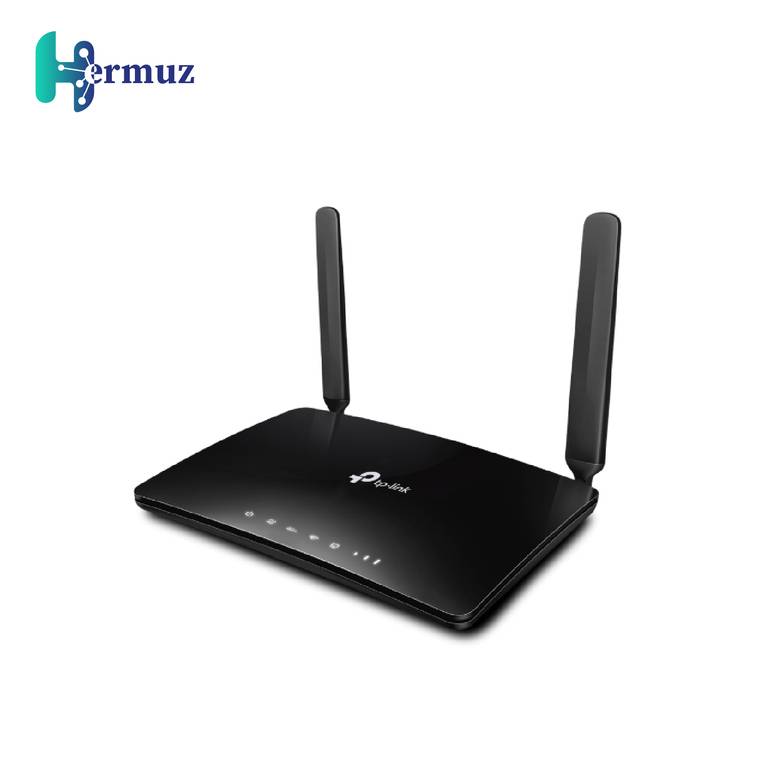

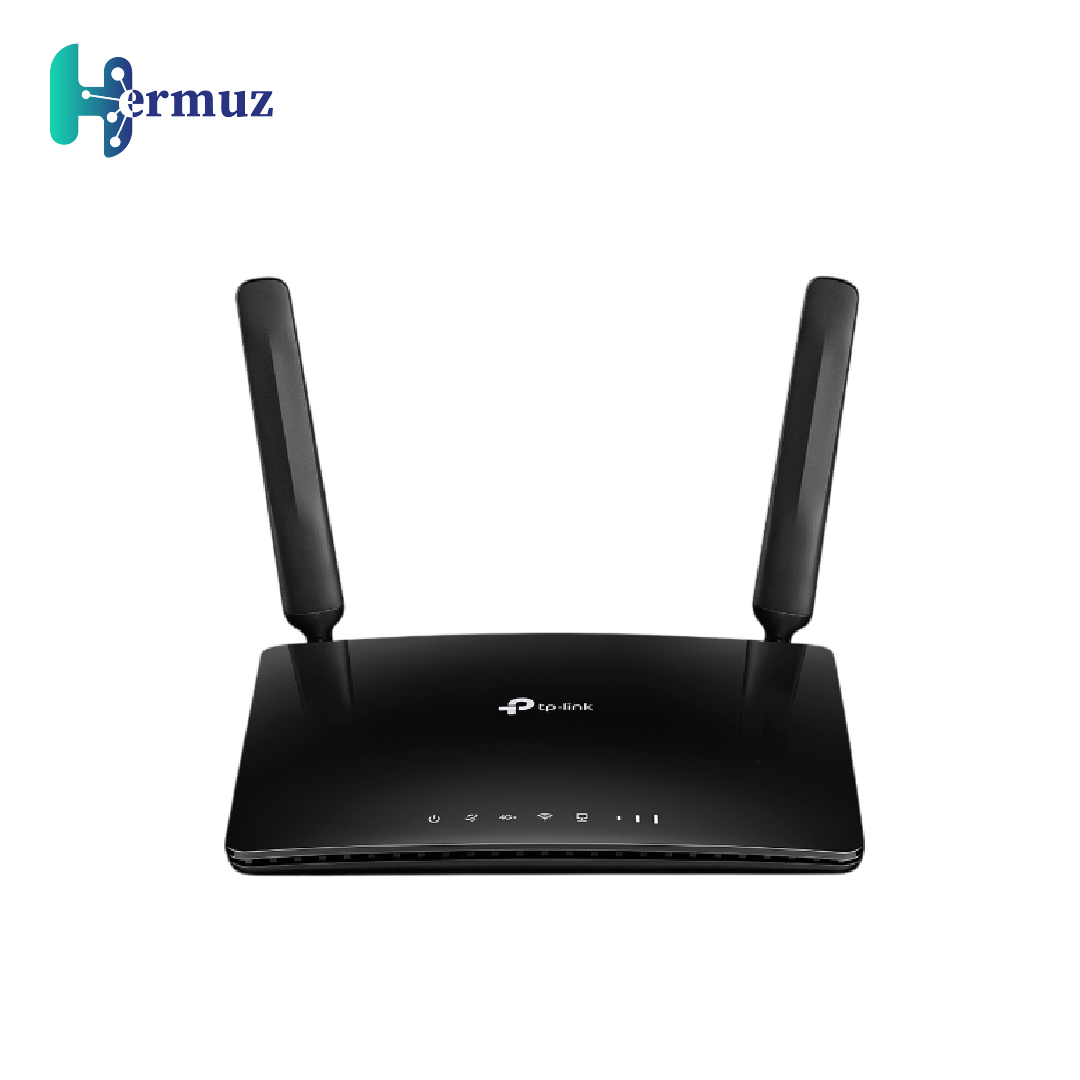
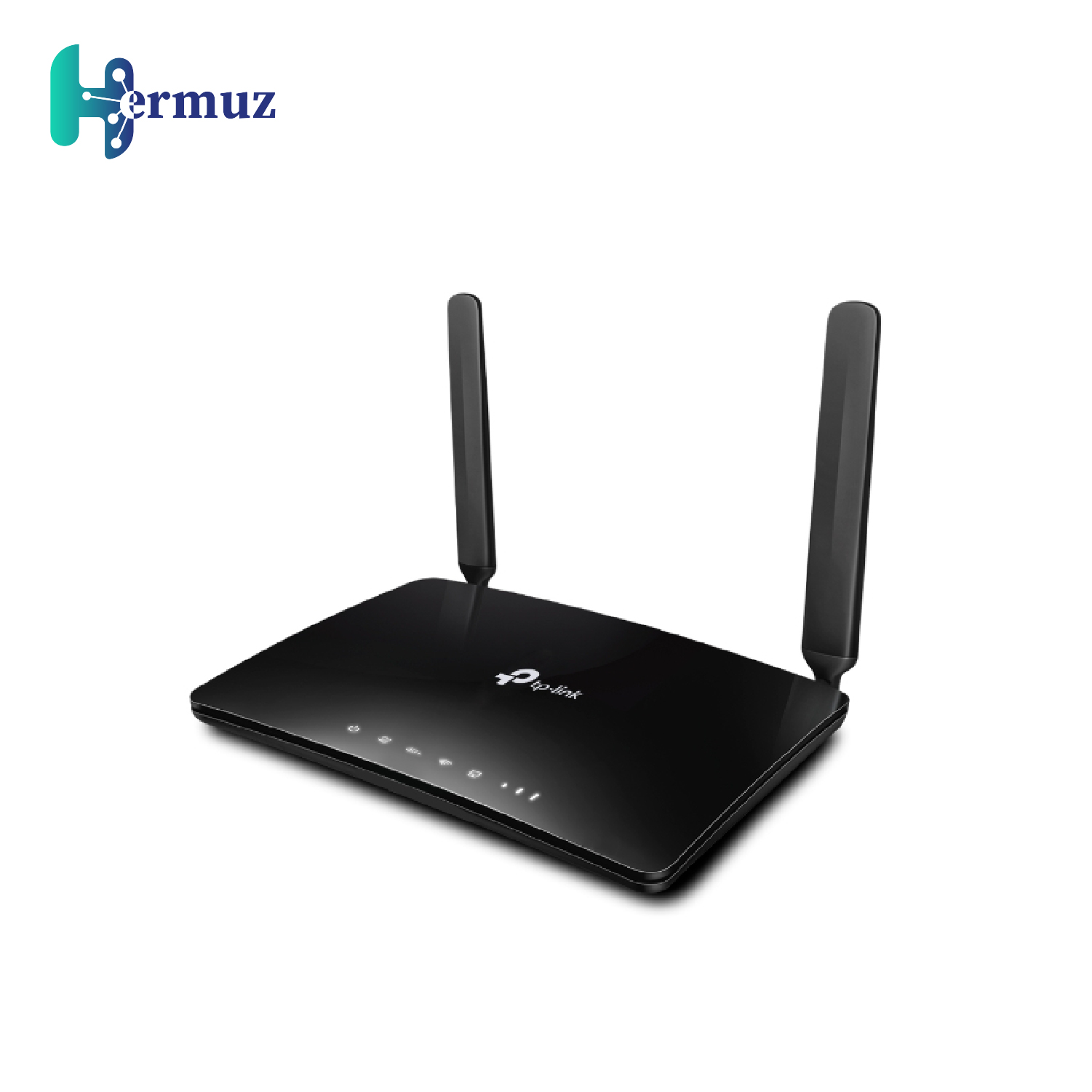
TP-Link Archer MR600 router with AC1200 speed, 4G+ Cat6 technology, easy installation via SIM card, stable connections with MU-MIMO, and OneMesh.
more information+
Earn loyalty points with this purchase
RewardsDescription:
TP-Link Archer MR600 router delivers exceptional performance with support for 4G+ technology, providing data speeds of up to 300 Mbps. Installation is a breeze with the SIM card slot, eliminating the need for additional setup.
Archer MR600 features MU-MIMO technology, allowing simultaneous data streams to multiple devices, and supports OneMesh technology to create a robust and cost-effective Mesh network for comprehensive coverage throughout your home.
With dual external LTE antennas, you can enjoy strong signal reception and stable connections across all your devices. TP-Link Archer MR600 router also includes full Gigabit ports for high-bandwidth devices such as gaming consoles and STBs. If 4G connectivity is unavailable, you can switch to Wi-Fi router mode by connecting an Ethernet cable to the LAN/WAN port.
Features:
4G+ Cat6 support with speeds up to 300 Mbps.
Easy setup using a SIM card with global compatibility.
MU-MIMO technology for simultaneous data streams.
TP-Link OneMesh™ support for flexible Mesh networking.
Enhanced signal strength with dual external LTE antennas.
Full Gigabit ports for fast wired connections.
Switch to Wi-Fi router mode via LAN/WAN port.
Easy management via the Tether app.
Usage Steps:
Insert a SIM card into the TP-Link Archer MR600 router.
Connect the router to a power source.
Download the Tether app from your app store.
Open the app and follow the on-screen instructions to set up and manage the router.
If needed, connect an Ethernet cable to the LAN/WAN port for wired access.
View more View less


