

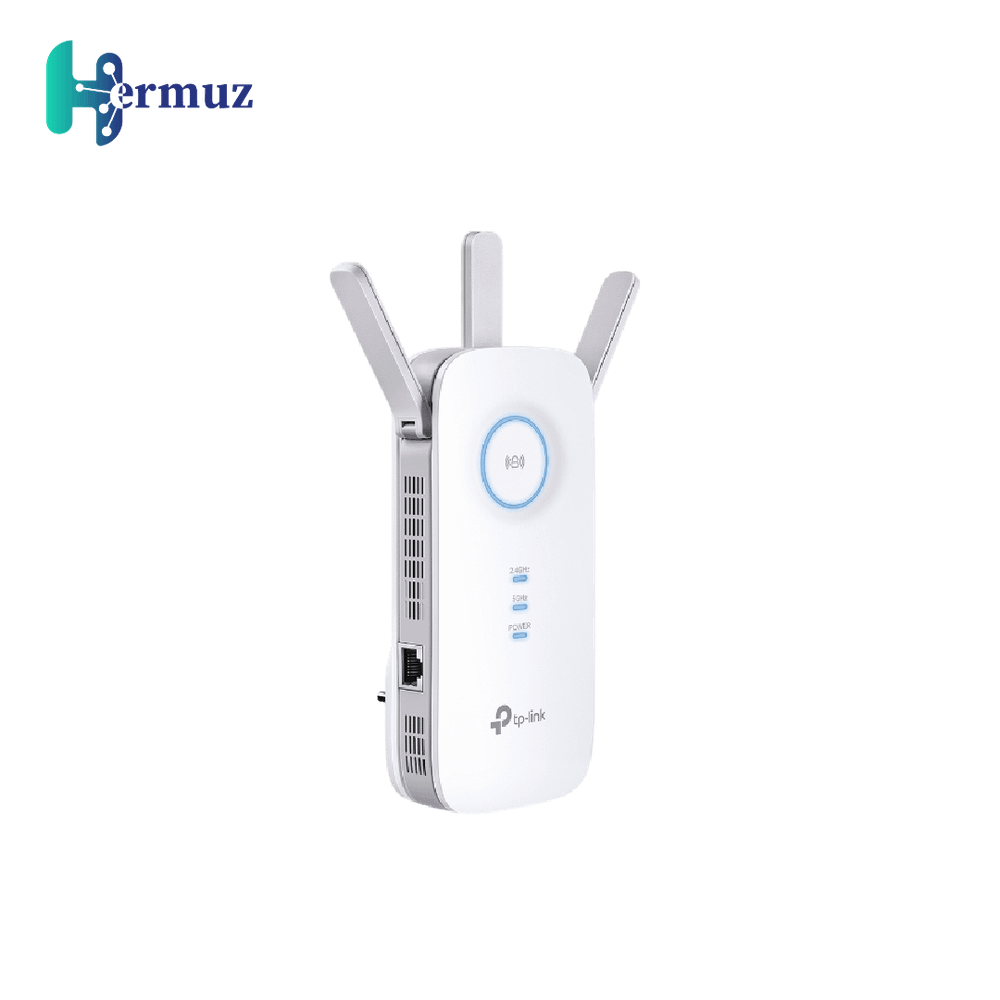
TP-Link RE450 AC1750 Wi-Fi Range Extender
SAR 199.00
SAR 300.00
Discount 34%
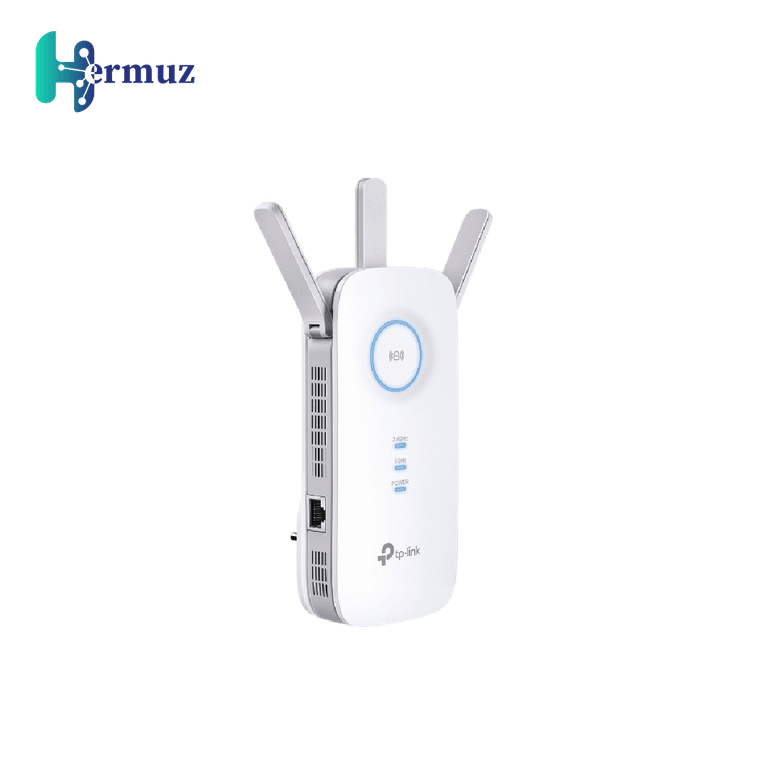

TP-Link RE450 AC1750 Wi-Fi Range Extender
TP-Link RE450 Wi-Fi Range Extender with AC1750 speeds, offering 1300Mbps on 5GHz. Ideal coverage with 3 external antennas and a Gigabit Ethernet port.
more information+
Earn loyalty points with this purchase
Rewardsproduct sku :
RE450
:

Product Details
Description:
TP-Link RE450 Wi-Fi Range Extender expands your wireless network and improves coverage in areas with weak signals. It features dual-band speeds of up to 450Mbps on 2.4GHz and 1300Mbps on 5GHz, providing a stable and fast wireless experience.
Equipped with three adjustable external antennas, TP-Link RE450 ensures comprehensive Wi-Fi coverage. The built-in Gigabit Ethernet port also allows it to function as a wireless adapter, enabling you to connect wired devices at ultra-fast speeds. The intelligent signal indicator helps you find the best location for optimal Wi-Fi coverage. Additionally, RE450 supports Access Point mode, making it a great choice to turn your wired network into a wireless one.
Features:
Dual-band Wi-Fi speeds up to 1750Mbps (450Mbps on 2.4GHz + 1300Mbps on 5GHz).
Three adjustable external antennas for optimal Wi-Fi coverage.
Gigabit Ethernet port acts as a wireless adapter for high-speed wired connections.
Intelligent signal indicator to find the best spot for Wi-Fi extension.
Access Point mode to transform a wired network into a wireless one.
Usage Steps:
Plug TP-Link RE450 Wi-Fi Range Extender into a power outlet in an area with weak signal coverage.
Use the intelligent signal indicator to find the optimal location for the best coverage.
Connect the extender to your devices via its built-in Wi-Fi network or through the Gigabit Ethernet port for wired devices.
If you need to create a new access point, enable AP mode through the device’s settings.
View more View less
Reviews
Questions